Publisher: 汇科天下 (hktx.cn). Marketplace partner app for Confluence Cloud and Rovo. Support: [email protected].
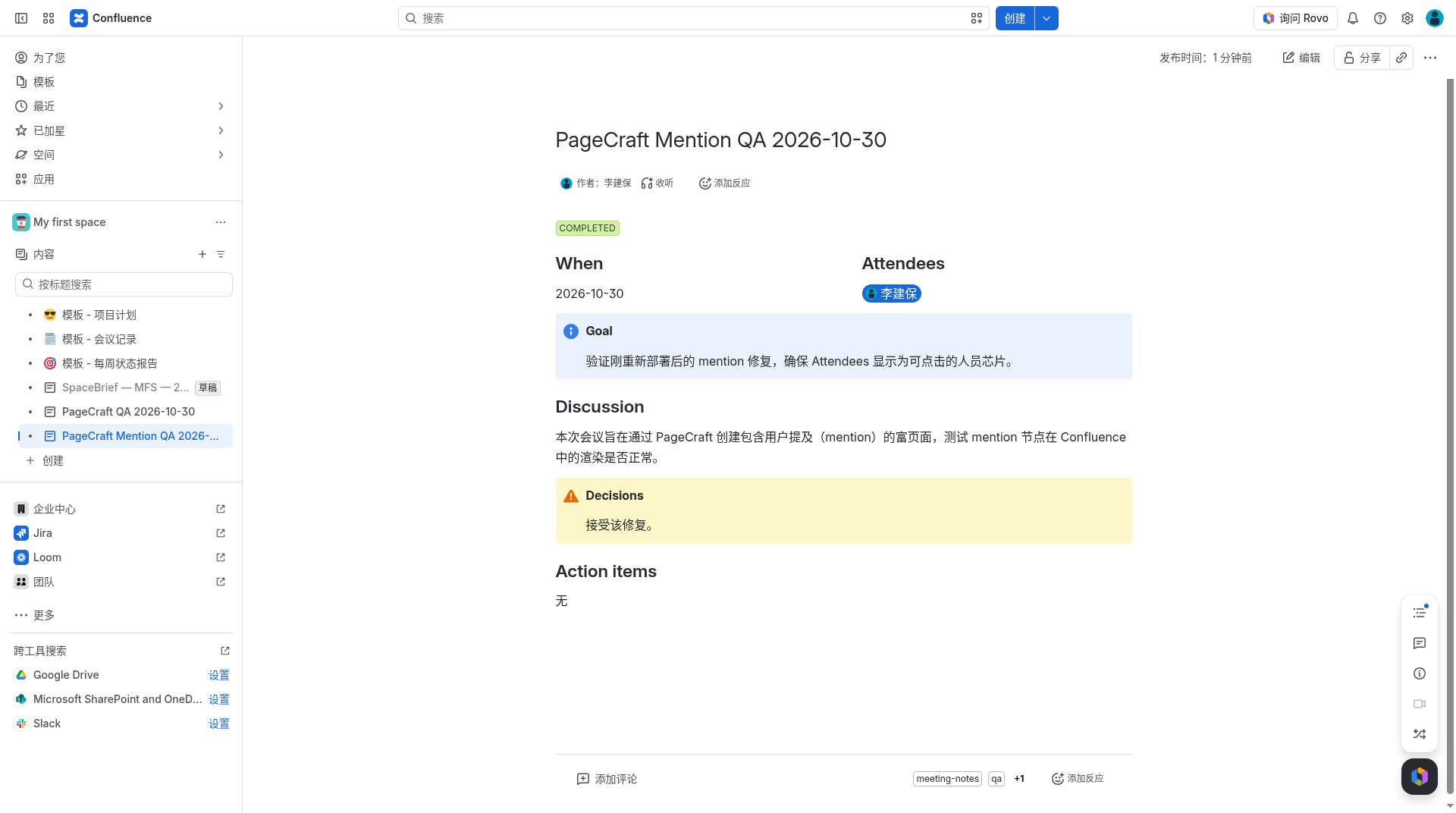
PageCraft exposes Rovo and custom-agent actions that create or update rich Confluence pages — status lozenges, panels, column layouts, mentions, and an allowlist of macros — as the signed-in user. A custom agent’s built-in Create Page skill can only emit Markdown; PageCraft is the write path around that limit. The agent supplies structured sections; the app turns them into Confluence storage format and writes the page with asUser().
The app does not call an external model and does not hold an LLM API key. Rovo writes the words. PageCraft only materializes the page. It runs on Atlassian Forge with no remote backend and no external analytics.
| Action | What it does |
|---|---|
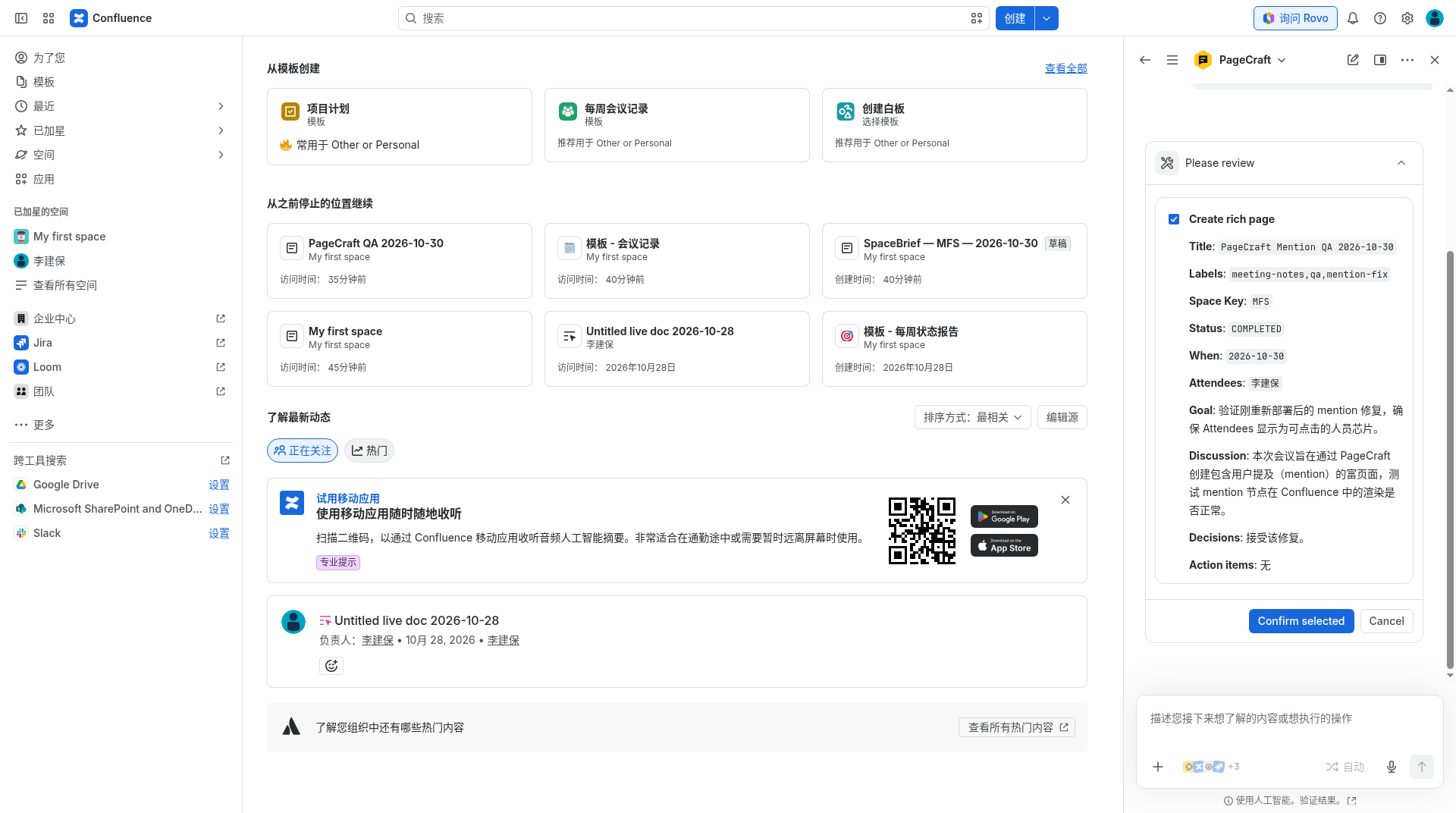
| Create rich page | Creates a page from a title, a space, optional parent page id, a JSON sections string, and optional labels. |
| Update rich page | Replaces the entire body of an existing page. Adding labels does not remove labels already on the page. It does not move the page or change restrictions. |
| Get page template | Returns JSON the agent can fill for meeting-notes, adr, rfc, or pir. Pass list for the catalog. This action does not write a page. |
PageCraft does not change content restrictions or space permissions. A new page keeps the space’s normal permissions. Because Confluence calls run as the invoking user, the app cannot read or write anything that person cannot already do.
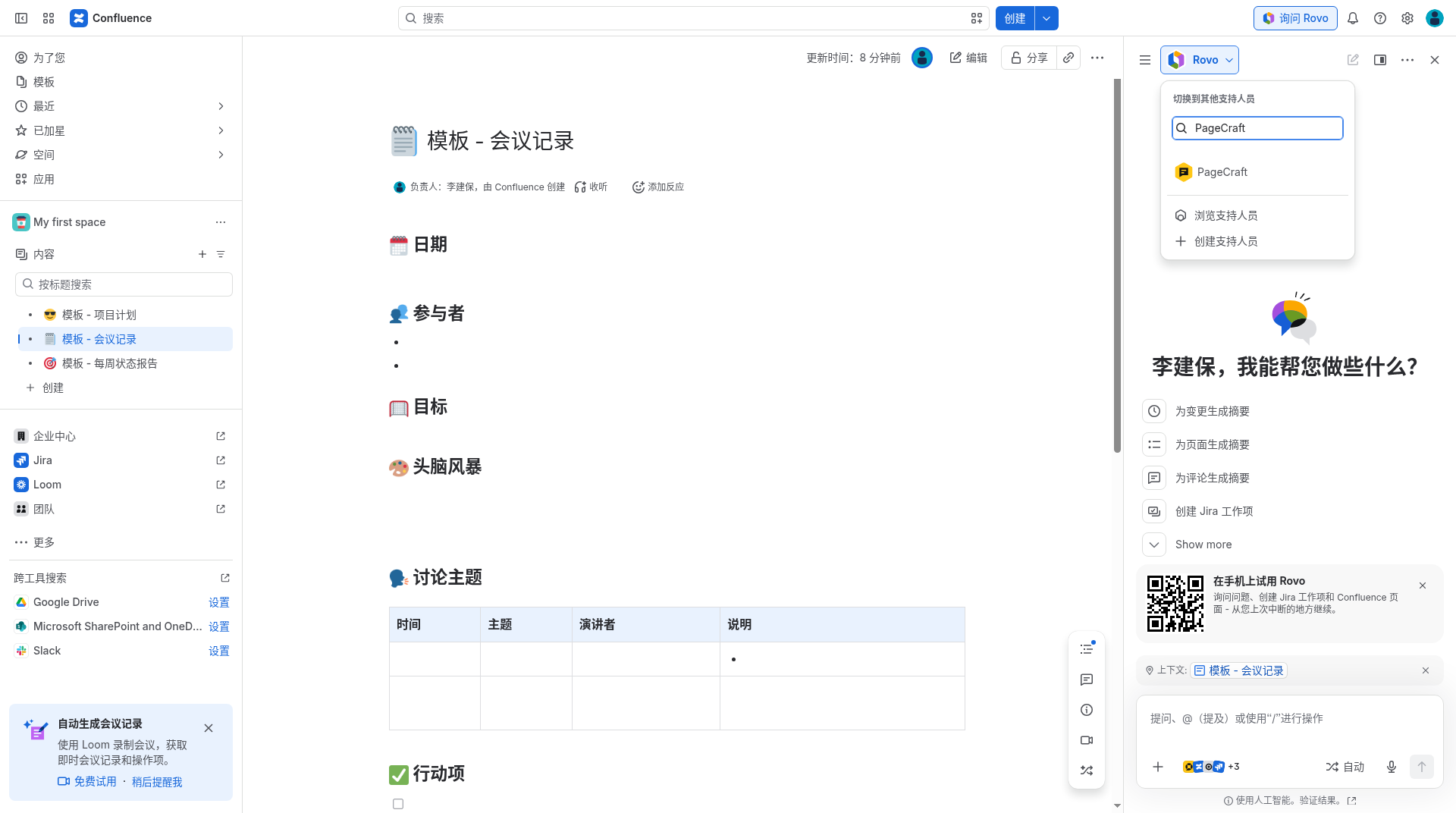
Install the app, then in Rovo Studio create an agent, choose Add tools, and under Connected apps add PageCraft’s three tools: Create rich page, Update rich page, and Get page template. The bundled PageCraft agent uses the same contract, so you can try it before writing your own. A starting instruction:
You are a Confluence page author. The built-in Create Page skill only writes Markdown. It cannot create panels, columns, status lozenges, or macros. Use PageCraft for those pages.

1. If the user wants meeting notes, an ADR, an RFC, or a PIR, call getPageTemplate first (template = meeting-notes | adr | rfc | pir). Use list if they only want the catalog.
2. Replace every {{token}} with facts the user gave you. If a fact is missing, ask once. Do not invent owners, dates, decisions, or incident causes.
3. Call createRichPage with a plain-text title, a space key, an optional numeric parentId the user supplied (never guess), a sections JSON array string, and optional labels.
4. For attendees, pass a mention with an accountId, or a people link [Name](/people/ari:cloud:identity::user/<accountId>). A bare name is fine when you do not know the account id. Do not leave Markdown people links as the page text.
5. Reply with the url from the tool. If ok is false, show error.message and do not claim the page exists.
6. To revise a page, call updateRichPage with its numeric pageId. That replaces the entire body. Confirm before replacing a page you did not just create.
7. Do not change restrictions or who can view a page. Labels only.
Create and update use action verbs CREATE and UPDATE. Atlassian does not let agents started by an automation rule invoke those verbs. Use PageCraft from chat. Get page template is GET and can run either way, but it does not publish a page.
sections must be a JSON array string (Rovo action inputs are scalars). Supported kinds:
| Kind | Result |
|---|---|
heading | Heading levels 1–6 |
paragraph | Paragraph text; people links become mentions |
mention | A Confluence user mention when an account id is provided; otherwise the display name |
panel | Info, note, tip, warning, error, success, or panel, with optional title |
columns | One to three cells (a column layout cannot nest inside another) |
code | Code macro, with optional language and title |
status | Status lozenge (text up to 40 characters; colors Grey, Red, Yellow, Green, Blue, Purple) |
macro | Allowlisted macros only: toc, children, pagetree, contentbylabel, expand, excerpt |
Text is XML-escaped. Raw HTML from the agent is not trusted. Labels are optional, comma-separated, at most 20, and limited to letters, numbers, hyphens, and underscores (for example, Meeting Notes, ADR becomes meeting-notes and adr).
| Marketplace tier (listing intent) | Who | Price |
|---|---|---|
| Free | Confluence Cloud site with ≤10 users who can use Confluence | $0 |
| Paid | Sites above that cap | 10% of Confluence Cloud |
This is the Marketplace listing price table. PageCraft does not bill inside the app.
Documentation for Marketplace App Review. Last updated 2026-11-13.